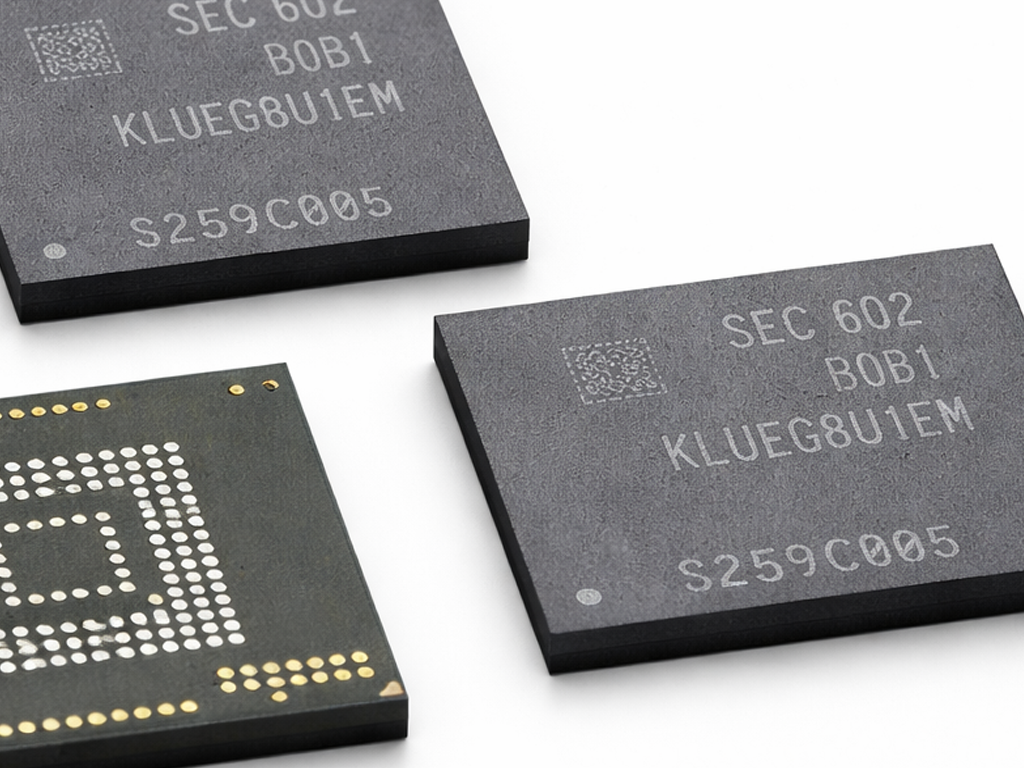
SDRAM is one of the most important memory technologies in computing. If you have ever asked what is SDRAM, what does SDRAM mean, or what is the difference between SDRAM and DRAM, this guide explains everything in a simple way. You will also learn the meaning of DDR, DDR1, DDR2, DDR3, DDR4, and DDR5, plus how SDRAM vs DDR4 compares.
What Is SDRAM?
SDRAM stands for Synchronous Dynamic Random Access Memory. It is a type of computer memory that operates in sync with the system clock. This synchronization allows memory operations to happen at predictable times, which improves performance compared with older memory types.
In practical terms, SDRAM is used as a computer’s working memory. It temporarily stores data that the processor needs quickly while running applications, loading webpages, editing files, or playing games.
SDRAM became a major improvement over earlier forms of RAM because it allowed the memory controller and processor to coordinate data transfers more efficiently.
SDRAM Meaning
The full form of SDRAM is:
- S = Synchronous
- D = Dynamic
- R = Random
- A = Access
- M = Memory
What does “synchronous” mean in SDRAM?
The word synchronous means the memory is timed with the computer’s clock signal. Instead of responding at irregular intervals, SDRAM performs actions according to clock cycles, which makes communication faster and more organized.
What does “dynamic” mean in SDRAM?
The word dynamic means the memory cells must be refreshed constantly to keep their data. This is a defining feature of DRAM-based memory technologies.
How SDRAM Works
SDRAM stores data in memory cells built around capacitors. Because capacitors slowly lose charge, the stored data must be refreshed many times per second. At the same time, SDRAM coordinates reads, writes, and refresh cycles with the system clock.
This clock-based design gives SDRAM important advantages:
- More predictable performance
- Faster communication with the processor
- Better efficiency than older asynchronous DRAM
- A foundation for later DDR memory generations
SDRAM is also volatile memory, which means it loses all stored data when the power is turned off.
Difference Between SDRAM and DRAM
One of the most common questions is the difference between SDRAM and DRAM. The simplest answer is: SDRAM is a type of DRAM.
DRAM is the broad category, while SDRAM is a more advanced version that works in synchronization with the system clock.
What Is DRAM?
DRAM means Dynamic Random Access Memory. It stores each bit of data in a capacitor and requires constant refreshing. Traditional DRAM existed before SDRAM and did not rely on clock synchronization in the same way.
What Makes SDRAM Different?
SDRAM improves on basic DRAM by aligning memory operations with the clock signal. This made memory access more efficient and helped systems achieve better speed and stability.
SDRAM vs DRAM Comparison
| Feature | DRAM | SDRAM |
|---|---|---|
| Full form | Dynamic Random Access Memory | Synchronous Dynamic Random Access Memory |
| Clock synchronization | No | Yes |
| Performance | Lower | Higher |
| Data timing | Less predictable | More predictable |
| Typical usage | Older systems | Later and more advanced systems |
DDR, DDR1, DDR2, DDR3, DDR4, DDR5 Meaning
DDR stands for Double Data Rate. It is a family of memory technologies based on SDRAM. The name refers to the ability to transfer data twice per clock cycle, which greatly increases bandwidth compared with older single data rate SDRAM.
This means DDR memory is a type of SDRAM. When people talk about DDR memory, they are talking about newer generations of synchronous DRAM.
DDR or DDR1 Meaning
DDR, often called DDR1, is the first generation of Double Data Rate SDRAM. It improved on older SDRAM by transferring data on both the rising and falling edges of the clock signal.
DDR2 Meaning
DDR2 is the second generation of DDR SDRAM. It offers higher transfer rates and improved efficiency compared with DDR1.
DDR3 Meaning
DDR3 is the third generation of DDR SDRAM. It delivers increased bandwidth and typically lower power consumption than DDR2.
DDR4 Meaning
DDR4 is the fourth generation of DDR SDRAM. It provides higher speed, larger memory capacities, and improved efficiency compared with DDR3.
DDR5 Meaning
DDR5 is the fifth generation of DDR SDRAM. It is designed for even greater bandwidth, higher module capacities, and improved overall memory performance.
Quick Summary of DDR Generations
| Memory Type | Meaning | Main Improvement |
|---|---|---|
| DDR / DDR1 | First generation Double Data Rate SDRAM | Transfers data twice per clock cycle |
| DDR2 | Second generation DDR SDRAM | Higher speed and better efficiency |
| DDR3 | Third generation DDR SDRAM | More bandwidth and lower power use |
| DDR4 | Fourth generation DDR SDRAM | Higher capacity and faster performance |
| DDR5 | Fifth generation DDR SDRAM | Greater speed and scalability |
SDRAM vs DDR4
The comparison SDRAM vs DDR4 can be confusing because DDR4 is itself a type of SDRAM. In everyday usage, however, people often use the word “SDRAM” to refer to older single data rate memory, while DDR4 refers to a much newer memory generation.
How DDR4 Is Different from Older SDRAM
- DDR4 transfers data twice per clock cycle, while older SDRAM transfers once per cycle
- DDR4 supports much higher speeds
- DDR4 is more power-efficient
- DDR4 modules usually support larger memory capacities
- DDR4 is designed for modern systems and workloads
SDRAM vs DDR4 Comparison Table
| Feature | Older SDRAM | DDR4 |
|---|---|---|
| Technology family | SDRAM | DDR SDRAM |
| Data transfer method | Single data rate | Double data rate |
| Speed | Lower | Much higher |
| Power efficiency | Lower | Better |
| Typical era | Older computers | Modern computers |
So, if someone asks SDRAM vs DDR4, the most accurate answer is that DDR4 is an advanced generation of SDRAM and is far faster than older SDRAM technology.
Why SDRAM Matters
SDRAM was a major step in the evolution of computer memory. By synchronizing memory operations with the system clock, it improved system efficiency and paved the way for modern DDR memory standards.
Without SDRAM, the later development of DDR, DDR2, DDR3, DDR4, and DDR5 would not have been possible in the form used by modern desktops, laptops, servers, and many embedded systems.
FAQ About SDRAM
Is SDRAM the same as DRAM?
No. SDRAM is not exactly the same as DRAM. SDRAM is a specific type of DRAM that works in sync with the system clock.
What is SDRAM used for?
SDRAM is used as main system memory to temporarily store data and programs that the CPU needs to access quickly.
Is DDR4 a kind of SDRAM?
Yes. DDR4 is a generation of DDR SDRAM, which means it belongs to the SDRAM family.
What does DDR mean in RAM?
DDR means Double Data Rate. It refers to memory that can transfer data twice per clock cycle.
Which is newer, SDRAM or DDR5?
DDR5 is much newer. It is a modern generation of DDR SDRAM with significantly higher performance than older SDRAM.
In a nutshell
SDRAM means Synchronous Dynamic Random Access Memory. It is a form of DRAM that works in step with the system clock, making memory access faster and more efficient.
To summarize:
- SDRAM meaning: Synchronous Dynamic Random Access Memory
- Difference between SDRAM and DRAM: SDRAM is a clock-synchronized type of DRAM
- DDR, DDR1, DDR2, DDR3, DDR4, DDR5 meaning: Generations of Double Data Rate SDRAM
- SDRAM vs DDR4: DDR4 is a newer, faster, and more efficient form of SDRAM